11.3 SeedEye activation
SeedEye settings are only visible if the machine type supports this function; see Figure 2.
SeedEye (option).
Select the “SeedEye” menu (C), which is highlighted green in Figure 1 and click on the SeedEye tab (A).
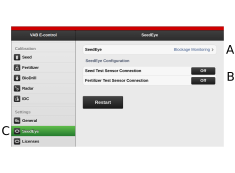
Figure 1.
Select the desired SeedEye function: off, monitoring or seed counting. See Figure 2.
NoteThe menus will differ if seed counting is selected compared with whether monitoring is selected.
OFF — SeedEye inactive
ON — Blockage monitoring
Seed calculation
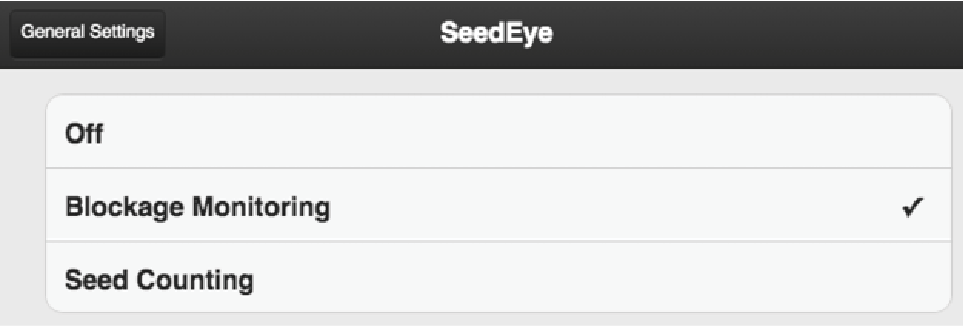
Figure 2.
Make the desired settings for SeedEye in the SeedEye sub-menu (B).
NoteWhen seed counting is selected, calibration will take place automatically, which means that the tab for calibration of seed will disappear when this selection is made.