6.3.6 Open a tramline program
Press (G) in the previous tramlining selection screen
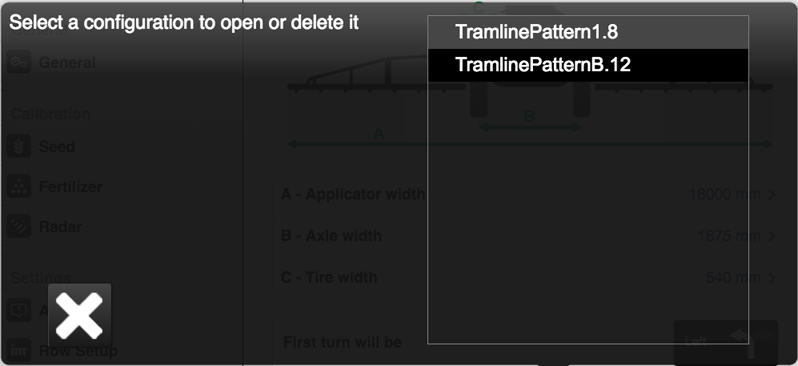
Figure 1.
The available tramline programs are displayed here. The final figure indicates the number of rows on the machine that the program is intended for. The number is automatically appended to the name when the program is saved. It is important that the program chosen is consistent with the current number of rows on the machine to be used.
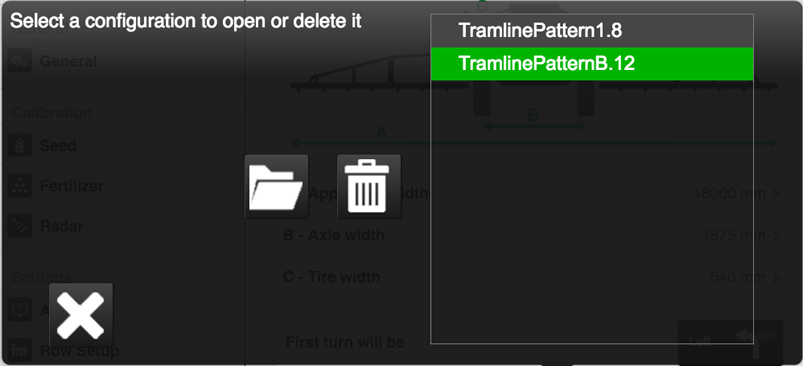
Figure 2.
If the selected program agrees with the configured settings of the machine and its number of row units, then it will be highlighted in green.
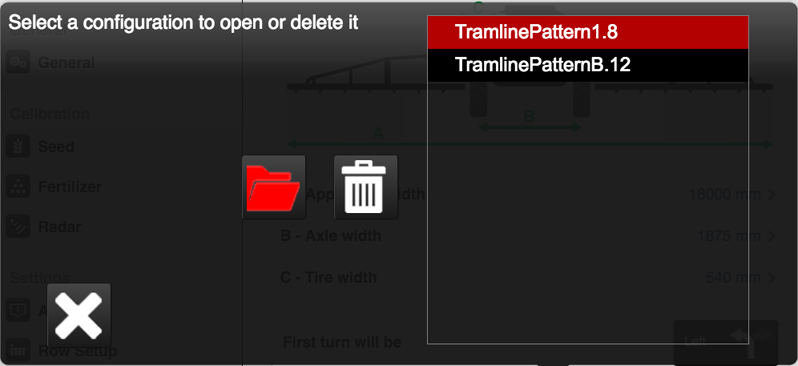
Figure 3.
If it does not agree with these data, then it will be highlighted in red.
To open the selected program, press  .
.
To delete a saved program, press  .
.