E-Services < Back to Instructions Search Portal

E-Services

6.3.5 Save the tramline program

    904189 - 08 - en-GB

    6.3.5 Save the tramline program

    It is possible to save up to 10 tramline programs.

    Press (H) in the previous tramlining selection screen
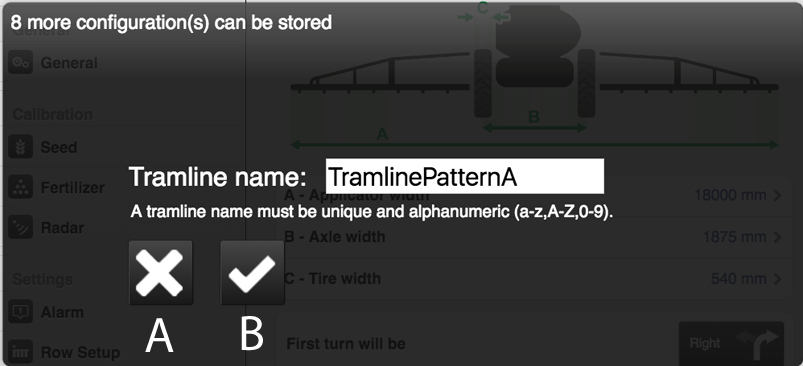
    Figure 1. Name a tramline program

    Name the tramline program to be saved and press (B).

    Press (A) to cancel.

    Parent topic: 6.3 Tramlining
    Previous topic: 6.3.4 Changing a suggested tramline
    Next topic: 6.3.6 Open a tramline program

    © Copyright Väderstad Group

    Find topics by title

    Topic finder activated by typing “t”. Continue typing to filter the list of topics.

    Use ↑ and ↓ to navigate the results; then press ENTER to view a topic, or ESC to close this dialog.

    Keyboard shortcuts

    You’ve activated the keyboard shortcuts help by typing “?”.

    t Open the topic finder to filter the list of topic titles
    s Use the search field to find text in topic content
    ? Show this list of keyboard shortcuts
    ESC Close this dialog