5.4 Machine symbol
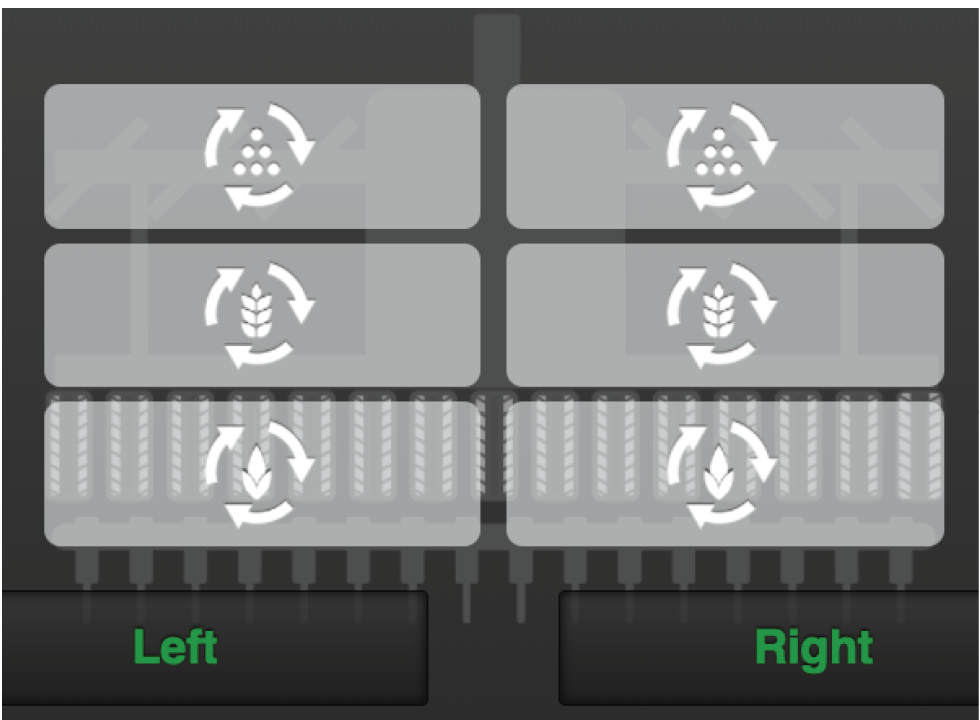
Figure 1.
Half machine shut-off
Half machine shut-off is carried out mechanically on the machine, please refer to the user manual for the machine.
To get the correct area calculation, the half machine shut-off is confirmed on the IPad by pressing "left" or "right" under the machine's icon on the home screen.
The part of the machine for which seed feed is shut off is shown by a white symbol against a grey background.
Status output units
The status of each output unit is indicated in the machine overview and can have one of the following four appearances.
 ,
,  ,
,  against a green background. The unit
is rotating
against a green background. The unit
is rotating ,
,  ,
, against a white background. The unit
has stopped but will be re-started when all the output criteria have
been met.
against a white background. The unit
has stopped but will be re-started when all the output criteria have
been met. ,
,  ,
,  against a grey background. The unit is
switched off.
against a grey background. The unit is
switched off.- ,, against a red background. The unit has
an active alarm.