7.2.5 Virtual Hopper Level
The virtual hopper level is a function that enables the operator to set low level limit of >1 ha. Below 1 ha is considered to be too uncertain. The virtual hopper level monitors the level in the hopper.
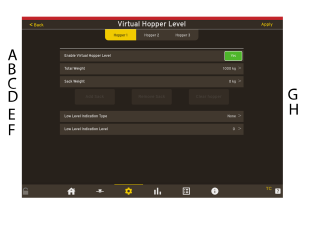
Figure 1.
Enable Virtual Hopper Level— Choose the Virtual Hopper Level function.
Total Weight —Displays the Total weight.
Sack Weight—Displays the weight of the sack.
Add a Sack— Add a sack to the hopper.
Low Level Indication Type—Sets the low level indication type.
Low Level Indication Level—Sets the level in the hopper that will indicate low level.
Remove a sack—Removes a sack from the hopper.
Clear hopper-Clear Hopper information.
Enter the required information for Sack Weight.
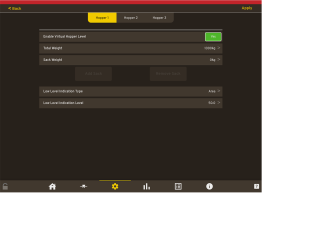
Figure 2.
Enter the parameters.
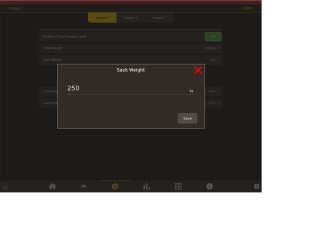
Figure 3.
Enter the Type.
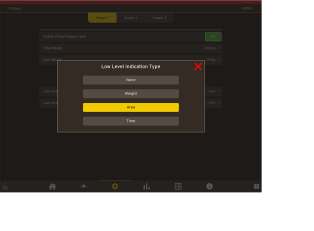
Figure 4.
The Low Level Indication will now display the entered level. Press Save.
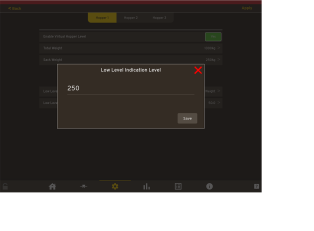
Figure 5.