7.2.3.1 Creating new tramlining program
Press B, Figure 2
Enter a program name.
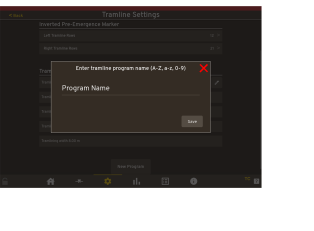
Figure 1.
Press A to add new bouts.
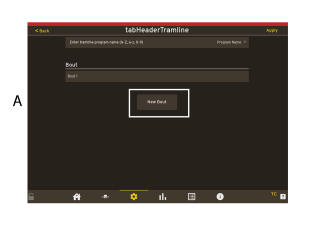
Figure 2.
Click on the Bout line to edit the Bout.
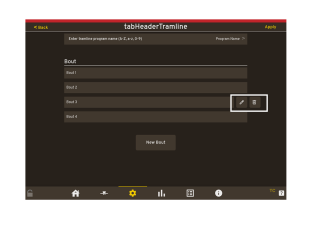
Figure 3.
The screen will display an overview of the rows of the machine. The motors that are displayed in green indicate that there are motors assembled on the seed and fertilizer coulters. The row is selectable (a motor can be relocated between coulters).
NoteThis is possible for both seed and fertiliser.
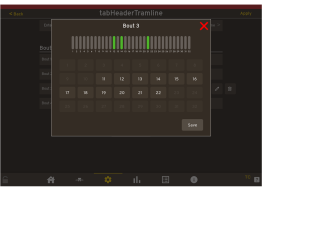
Figure 4.
Track that is marked in white, indicates that a motor is available and it is possible to add a tramline track.
Track that is marked in yellow, indicates that no motor is available and it is not possible to add a tramline track.
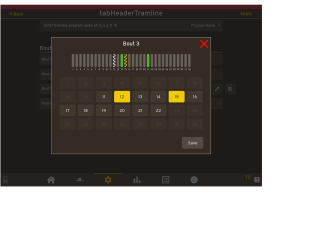
Figure 5.