11 Information
The Information  button on the home screen is used to
access the page where detailed information is displayed about the
machine’s gateway and units, such as WorkStations and PDBs, as well
as the machine’s alarm history.
button on the home screen is used to
access the page where detailed information is displayed about the
machine’s gateway and units, such as WorkStations and PDBs, as well
as the machine’s alarm history.
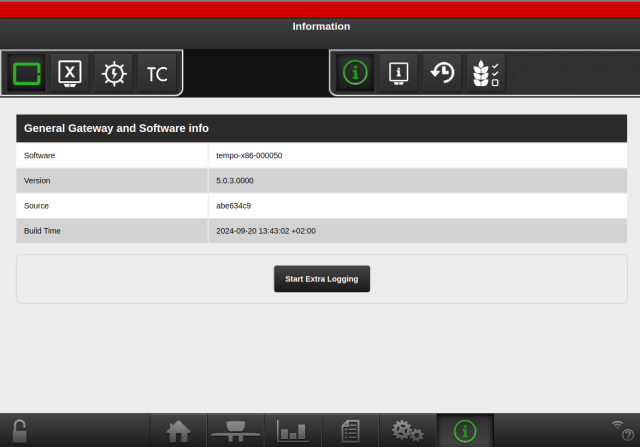
Figure 1. General information
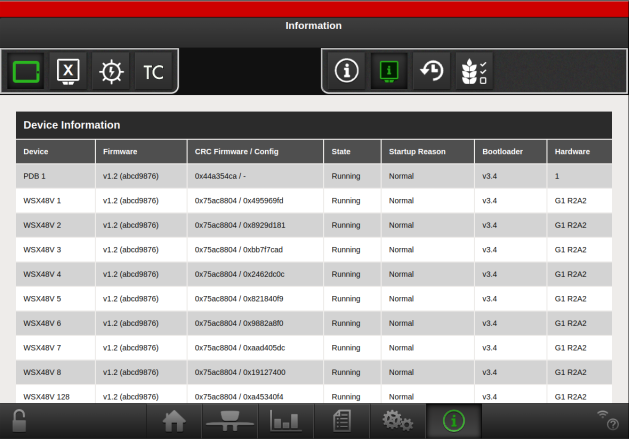
Figure 2. Information about the units on the machine, such as software and hardware, and status.
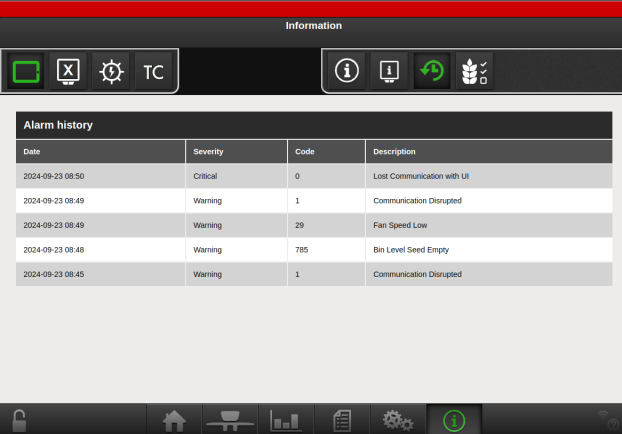
Figure 3. Date and time, alarm code, alarm description
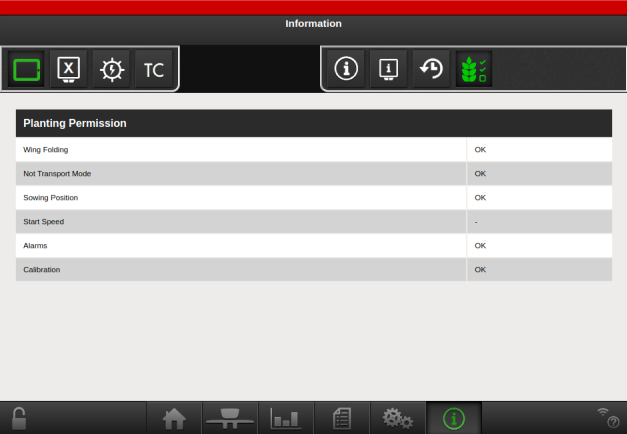
Figure 4. Information about the permissions for planting, useful as an initial help in troubleshooting a machine that does not feed.
Conditions:
Wing Folding - The machine needs to be unfolded.
Not Transport Mode - The machine shall not be in transport mode (only applicable for TPF)
Sowing Position - The machine is lowered below feed start height.
Start Speed - The machine is not standing still.
Alarms - No active critical alarms exists, or are overridden.
Calibration - A seed rate is set on all rows.
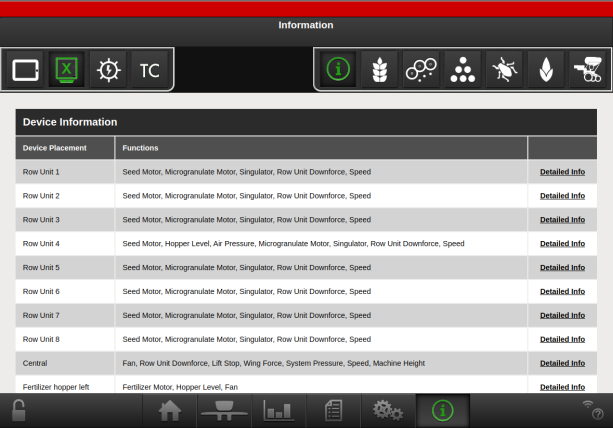
Figure 5. Information about all the machine’s devices
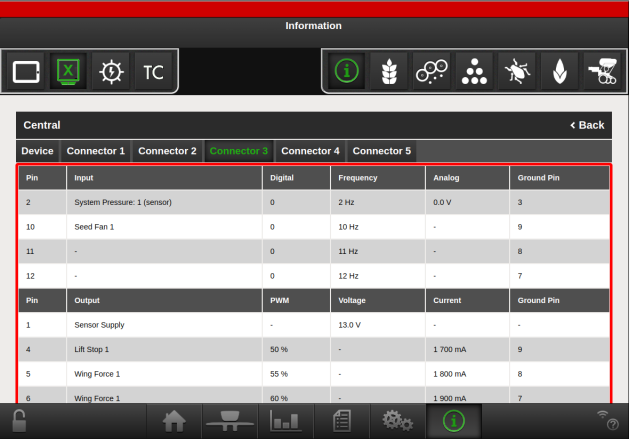
Figure 6. Detailed information about a given device
The detailed information helps troubleshooting problems on the machine. Each device is described with all its input and output pins, what feature that use the pins, and their actual values such as PWM, voltage, current etc.
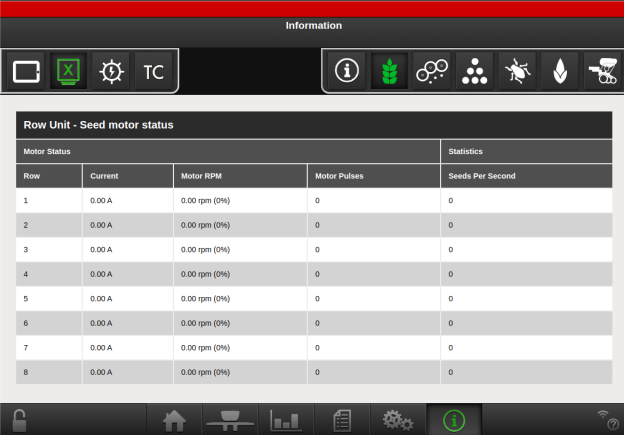
Figure 7. Row unit information: status of the seed motors
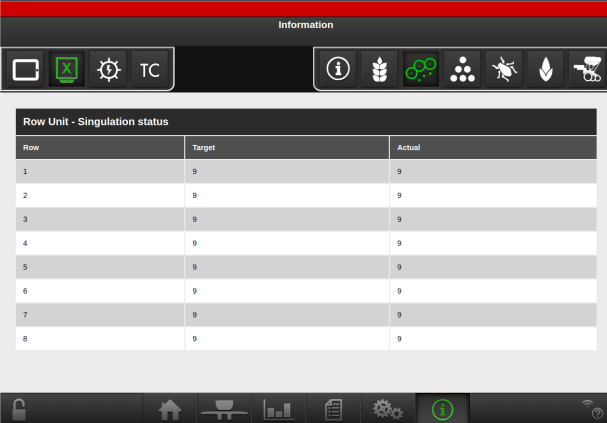
Figure 8. Row unit information: status of the singulator motor
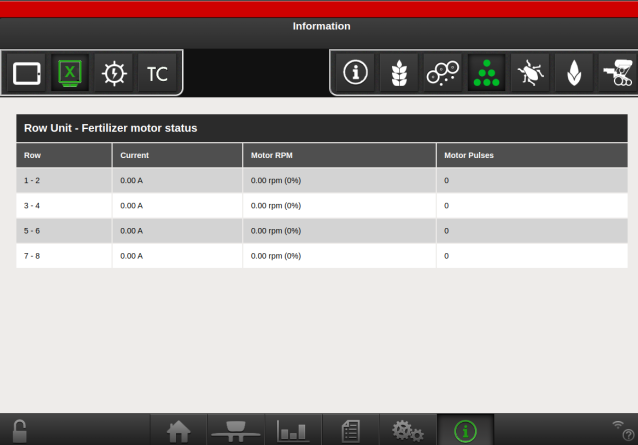
Figure 9. Row unit information: status of the fertiliser motors
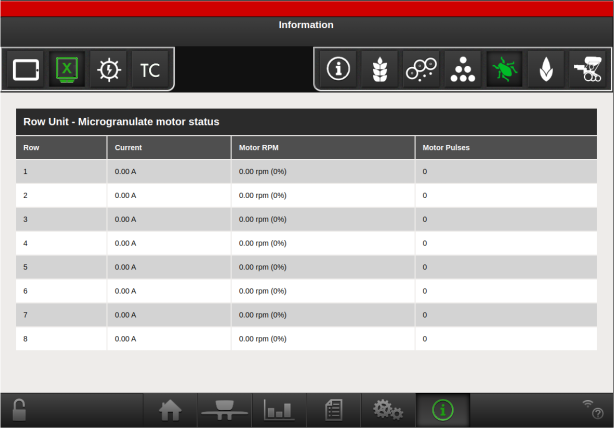
Figure 10. Row unit information: status of the microgranulate motors
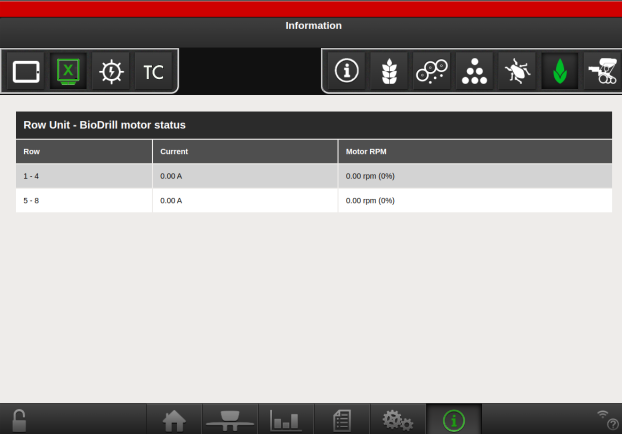
Figure 11. Row unit information: status of the BioDrill motors
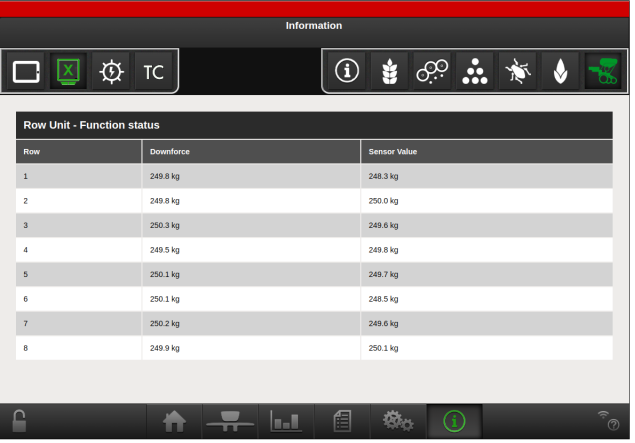
Figure 12. Row unit information: status of row unit pressure
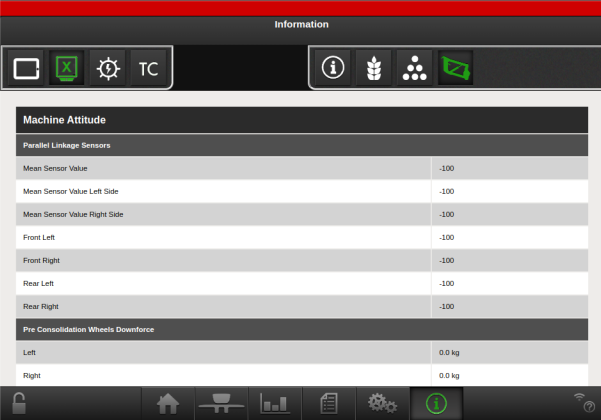
Figure 13. Information about the values of the angle sensors and the pressure on the row units and preconsolidation wheels. Available on Proceed V.
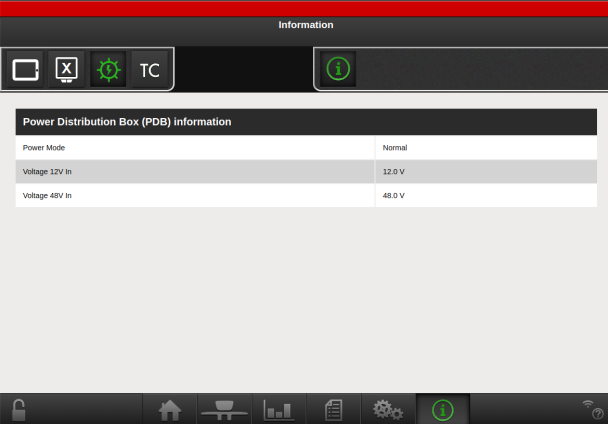
Figure 14. Power Distribution Box information
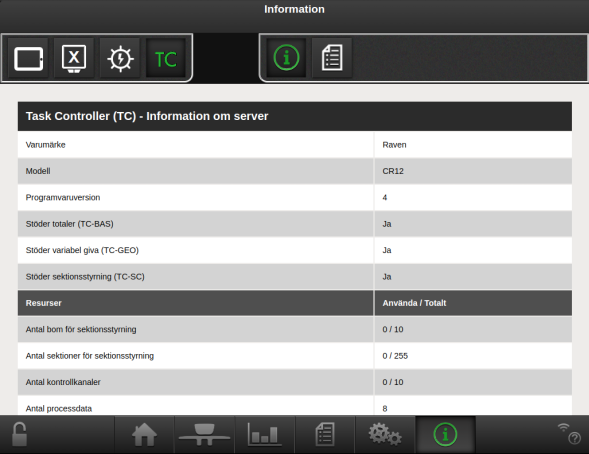
Figure 15. Task controller Task information