12.7.4 Settings for custom mode
It is very important to have the correct setting for the machine on this side. If you find that the recommended rotor is not performing as expected, it may be due, for example, to lower/higher speed. It is then possible to change which rotor to use. Any modifications such as not using the suggested rotor must be specified in the adapted settings. This is done by enabling custom settings with the "Adapt" button and then specifying the installed rotor on the machine by selecting it from the list.
Activate Custom mode (E) by selecting ON, see Figure 1.
Select rotor. The green line below the image is the recommended rotor.
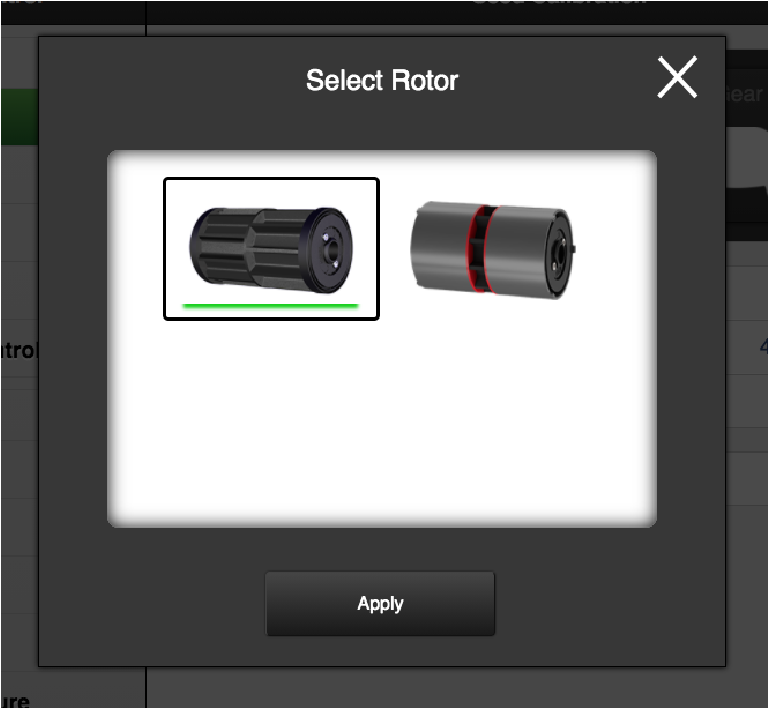
Figure 1.
The machine is now configured to be used with the selected rotor.