11.3 SeedEye activation
SeedEye settings are only visible if the machine type supports this function; see Figure 3.
Select the SeedEye tab, marked C.
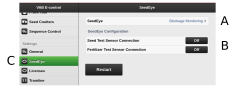
Figure 1.
Select the desired SeedEye function; see Figure 2.
OFF — SeedEye inactive
Övervakning av blockering
Fröräkning (Applies to ST 600-900S)
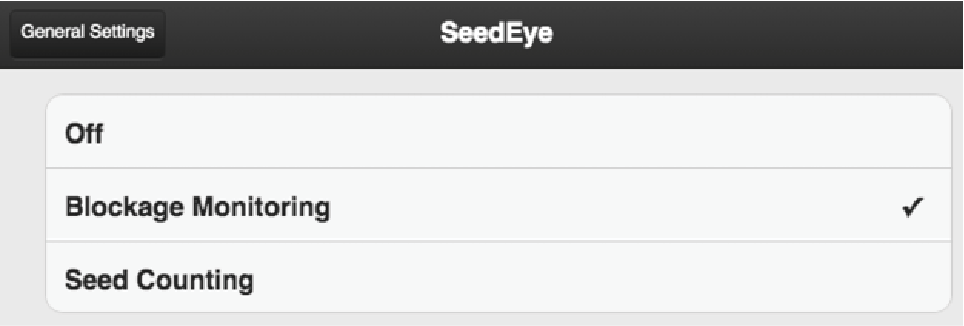
Figure 2.
Set the desired SeedEye settings in the SeedEye sub-menu (C).