2.4.1 Switching between MASTER and SLAVE
The example below shows a request from VT to take control from the iPad
Tap this symbol on the slave terminal.

A message is shown on the screen which confirms that a request to take over control has been sent to the master terminal.
The master terminal will show that it has received a request to relinquish control.
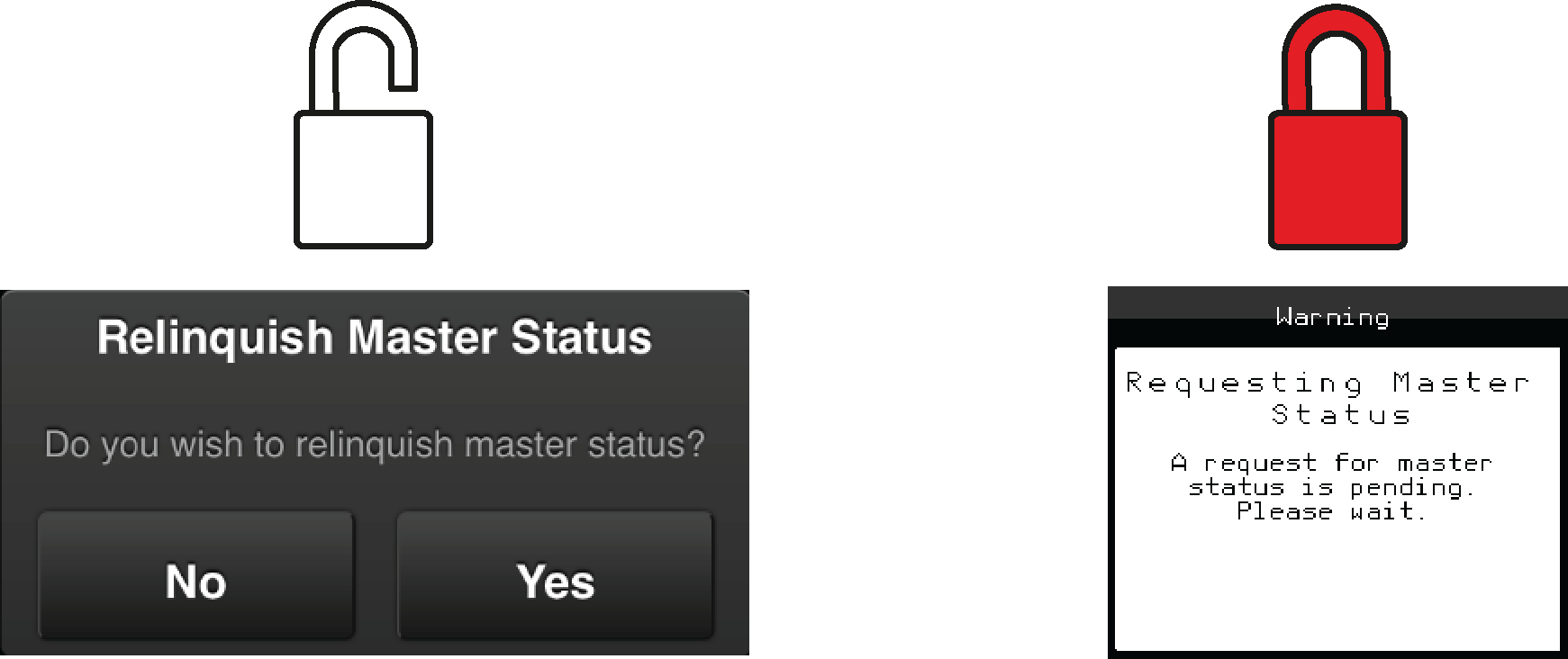
Figure 1.
On the master terminal, confirm approval for the surrender of control to the other terminal.
Important
With the slave terminal, parameters such as the planting accuracy can be monitored at all times by displaying the statistics menu.