E-services < Back to Instructions Search Portal

E-services

6.5.3.3 Delete a saved tramline program
    904255 - 06 - en-GB

    6.5.3.3 Delete a saved tramline program

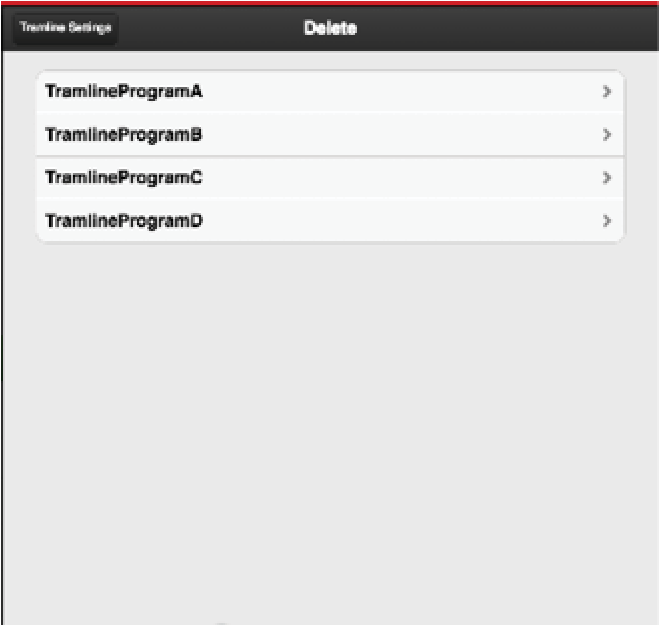
    Figure 1.

    Press C to display the list of saved tramline programs, Figure 1.
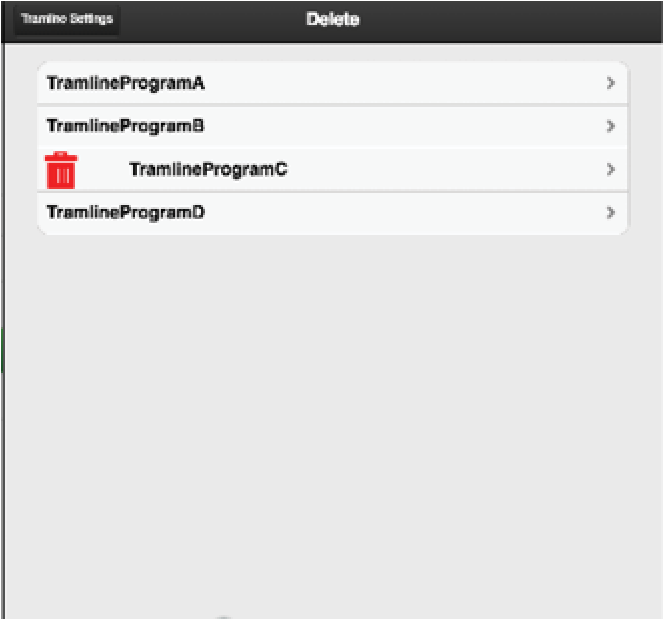
    Figure 2.

    When you select the program to be deleted, will be displayed, to indicate that the program will be deleted.

    Press again to delete the program.

    Parent topic: 6.5.3 Manage the tramline program
    Previous topic: 6.5.3.2 Open a saved tramline program
    Next topic: 6.5.3.4 Calculation of tramlining

    © Copyright Väderstad Group

    Find topics by title

    Topic finder activated by typing “t”. Continue typing to filter the list of topics.

    Use ↑ and ↓ to navigate the results; then press ENTER to view a topic, or ESC to close this dialog.

    Keyboard shortcuts

    You’ve activated the keyboard shortcuts help by typing “?”.

    t Open the topic finder to filter the list of topic titles
    s Use the search field to find text in topic content
    ? Show this list of keyboard shortcuts
    ESC Close this dialog