10.1 Variable sown amount
By pressing the field for the seed application rate in the work display, a pop-up window for variable application rate appears.
The variable application rate is controlled directly on the home screen by selecting the percentage change.
The percentage change is recorded in the calibration menu.
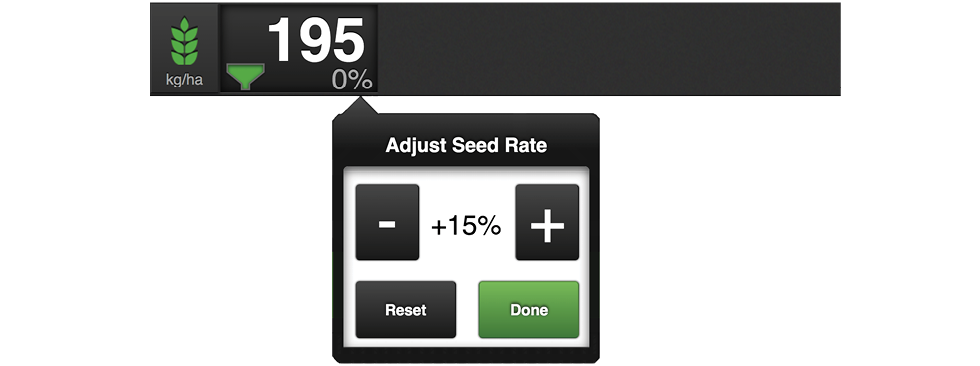
Figure 1. Pop-up window for variable sown amount
Adjust the control to the desired change. 0% means no change.