5.2 Function buttons
The following settings can be made directly from the home screen while driving. Press the button for the function you want to access in order to change the setting
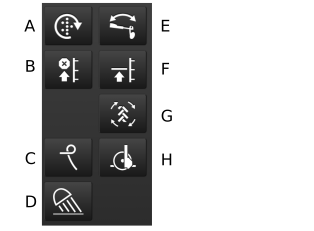
Figure 1.
Manual seed feed
When the button is held down and shows a green symbol, seed feed will take place without the machine moving forward. Used when starting in a corner, for example, or during feed checks. Standard selection for which driving speed feed output is adjusted is made in the basic settings menu, see 6 General settings.
Lift stop
Use the lift stop when the bout markers are to be folded without lifting the machine from the bout, e.g. to pass a post or well. Press the button so that the indicator shows green and lift the bout marker using the hydraulic lever. When the obstacle has been passed, press the button again to return to Low-lift or full lift. The software remembers the function that was activated prior to activating the lift stop.
Following harrow
The button is only visible when hydraulic following harrow is selected, see 8 Configuration. The button opens the menu for hydraulic following harrow settings, see 6.6 Hydraulic following harrow. This selection should be made under the general settings if the hydraulic following harrow is to be used, 6.2 General settings.
Work lights, Off/On
Bout marker switching
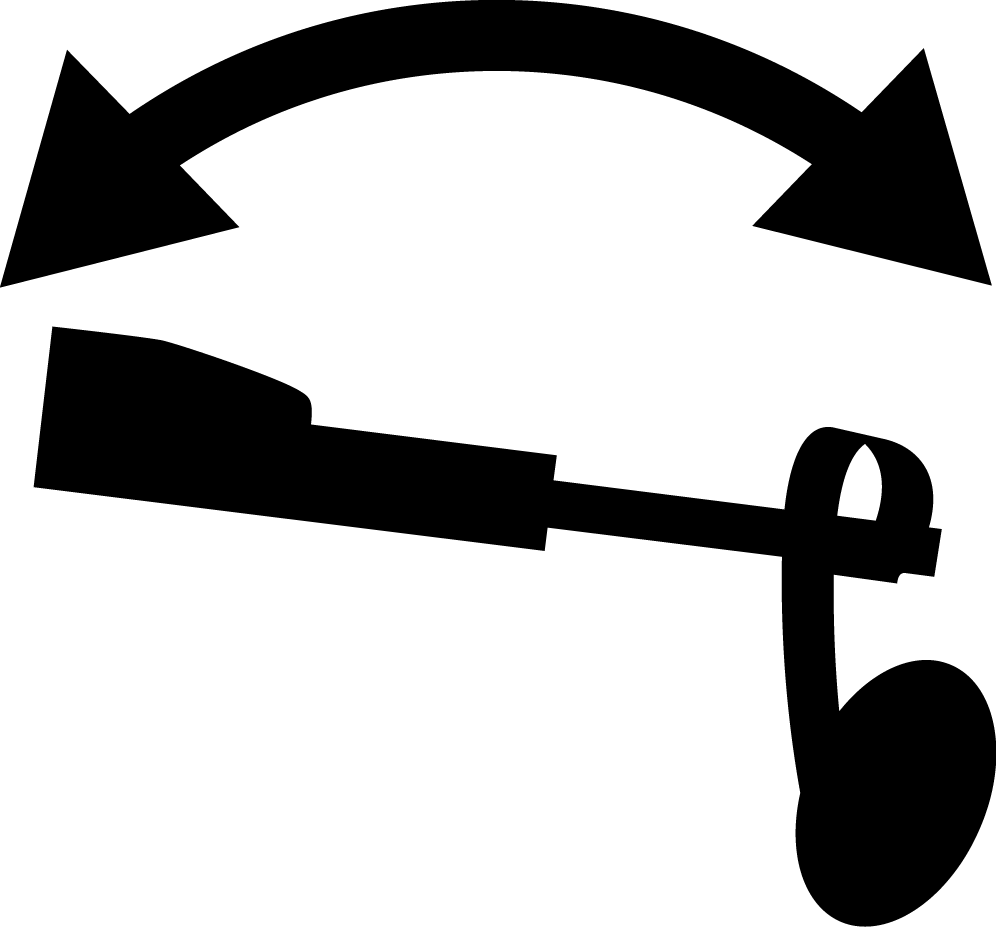
Automatic bout marker switching
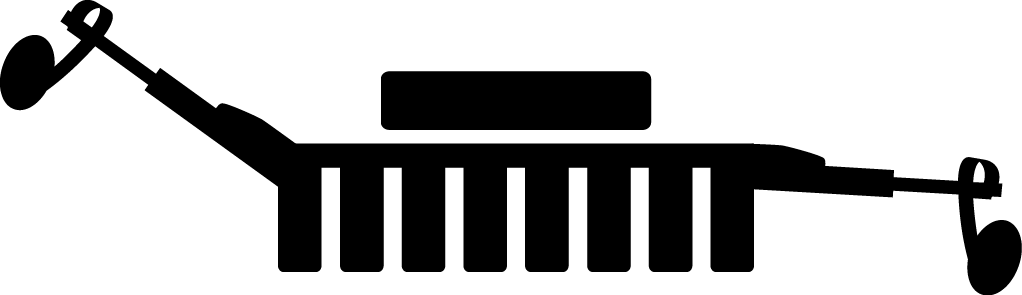
Position bout marker
During normal driving, automatic bout marker switching is used. This means that the bout markers are switched at the completion of each bout.
Press Bout marker switching to select automatic or manual bout marker switching. The Position bout marker icon shows which bout marker is active.
Green Bout marker switching = automatic bout marker switching. The bout marker switches automatically when the machine is raised and lowered. By pressing Position bout marker, the bout marker can be advanced one step.
White Bout marker switching = manual bout marker switching. Select bout marker by pressing Position bout marker . The following selections are possible: Both bout markers in – Left out – Right out – Both out.
NoteThe bout markers are always folded in when the machine is lifted, regardless of the indication on the home screen. This is also the case if the terminal is switched off.
LowLift/HighLift
Low-lift position
Use Low-lift when drilling. This prevents the machine from being raised too much, while allowing proper operation of the following harrow in the turning patch. See the chapter Turning with Low-lift in the user guide for RD.
A green symbol indicates that the Low-lift function is switched on.
CAUTIONNote that the machine must never be reversed while in the Low-lift position!
If it becomes necessary to lift the machine, e.g. when encountering an obstacle in the bout or to turn back and fill the seed hopper, be sure to first press
 to stop the auto advance feature. Then press to switch to HighLift. The machine can
now be raised to its maximum height. When the drill is subsequently
returned to the same position as before the interruption, press Auto advance to re-engage auto advance of tramlining
and bout marker switching, and the Low-lift position button to return to Low-lift position.
to stop the auto advance feature. Then press to switch to HighLift. The machine can
now be raised to its maximum height. When the drill is subsequently
returned to the same position as before the interruption, press Auto advance to re-engage auto advance of tramlining
and bout marker switching, and the Low-lift position button to return to Low-lift position.Auto advance
Auto advance
The normal setting is automatic advance of bout marker switching and tramlining program. The button displays a green symbol. This means that the bouts in the tramlining cycle are advanced and the bout markers are switched at the completion of each bout. When auto advance is stopped (white symbol), the machine can be lifted in a bout without advancing the tramlining program or switching bout marker.
 Control function. Enables the adjustment of drilling depth while driving. Works as
a toggle button. Upon activation, you will have 30 seconds to manually
adjust the depth, to either a higher or lower value, with the help
of a hydraulic cylinder. Important
Control function. Enables the adjustment of drilling depth while driving. Works as
a toggle button. Upon activation, you will have 30 seconds to manually
adjust the depth, to either a higher or lower value, with the help
of a hydraulic cylinder. ImportantAutoPilot turns off automatically when the Control function is used and must be activated after adjustment.
ImportantIf the machine is equipped with an LSS detector, the machine must be lowered below the level for seed feed shut-off before the drilling depth is adjusted.