10.2.1 Trip meter
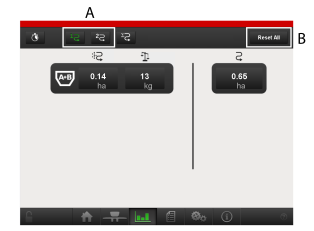
Figure 1.
The trip meter (1 or 2) for which the relevant value is displayed is green (A). To reset everything, press B.
Each individual value can be reset separately by clicking directly on the values. It is only possible to reset on the MASTER terminal.
When serial feed is active, the statistics for both hoppers are merged.
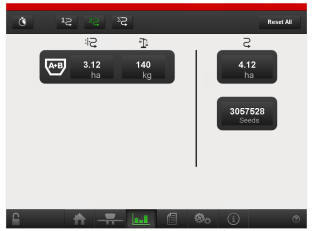
Figure 2.
If seed counting is activated, the number of seeds counted is displayed in trip meter 1 and 2.
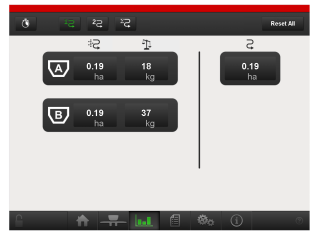
Figure 3.
The statistics are based on hoppers and not on seeds or fertilisers.