6.3.1 Manual Section Control
When the machine is using Task Control with Section Control activated, the button TC-SC (A) is green and will be shown in the display.
Press TC-SC (A) to inactivate Section Control.
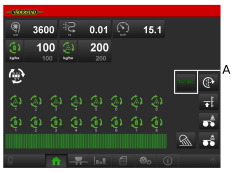
Figure 1.
The button TC-SC (A) will be white when it is possible to manually operate the sections (B) that should be active or changed.
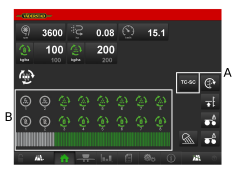
Figure 2.
When pressing button TC-SC (A) again, it will turn green and no more manually changes can be made.
When changing from manually Section Control, Task Control Section Control is automatically activated.